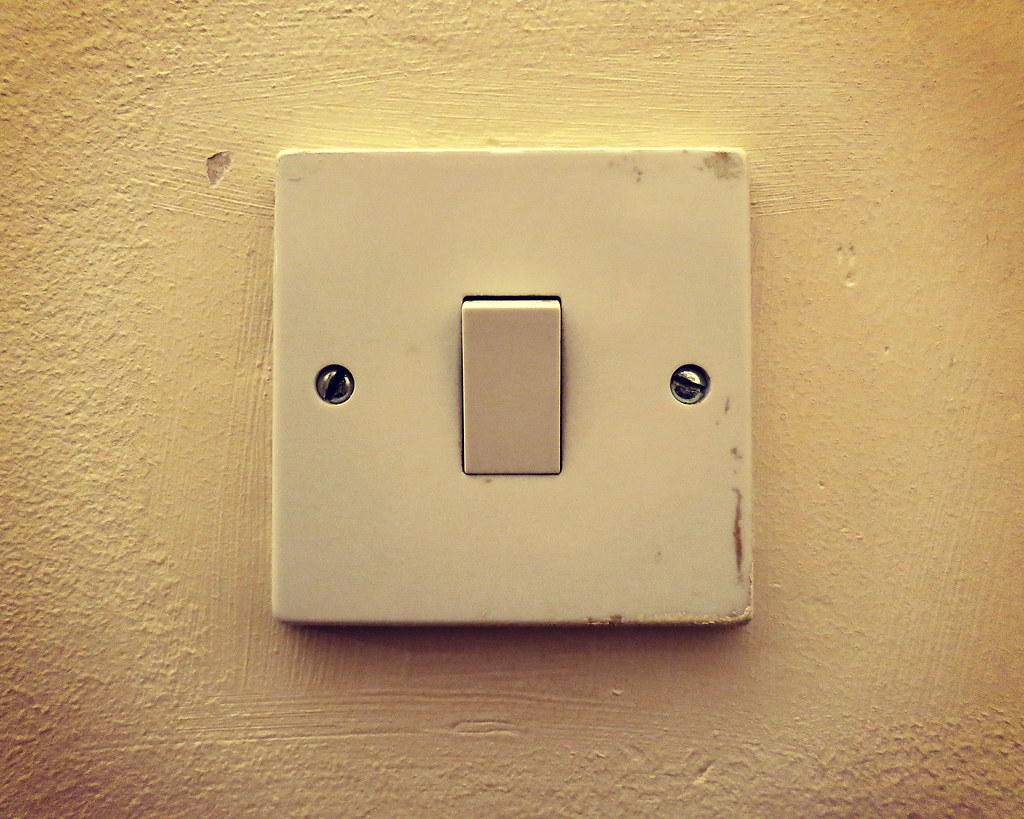
A dead or flickering light switch is annoying, but the fix is usually simple. Before you call an electrician, try replacing it yourself.
What You Will Need
- A new light switch (matches your old one)
- A flathead screwdriver
- A Phillips screwdriver
- Voltage tester
Step 1: Turn Off the Power
Go to your breaker panel and flip the breaker that controls the switch you are replacing. Test the switch to confirm the power is off. Never work on a live circuit.
Step 2: Remove the Cover Plate
Use a flathead screwdriver to unscrew the cover plate. Set the screws aside somewhere safe.
Step 3: Remove the Old Switch
Unscrew the mounting screws and gently pull the switch out of the box. Use your voltage tester to double-check that no wires are live. Take a photo of the wiring before disconnecting anything.
Step 4: Connect the New Switch
Disconnect the wires from the old switch and attach them to the new one in the same configuration. Typically, the black (hot) wires go to the brass screws, and the ground wire (bare copper or green) goes to the green screw.
Step 5: Mount and Test
Push the wires back into the box, screw the switch in place, replace the cover plate, and turn the breaker back on. Flip the switch. If the light works, you are done.
When to Call a Pro
If you see aluminum wiring, more than 2 wires on the switch, or anything that looks unusual, call a licensed electrician. Safety first.